
Loading…
Looking for a trainer? Search, browse their profiles, and buy a service right here in the app.
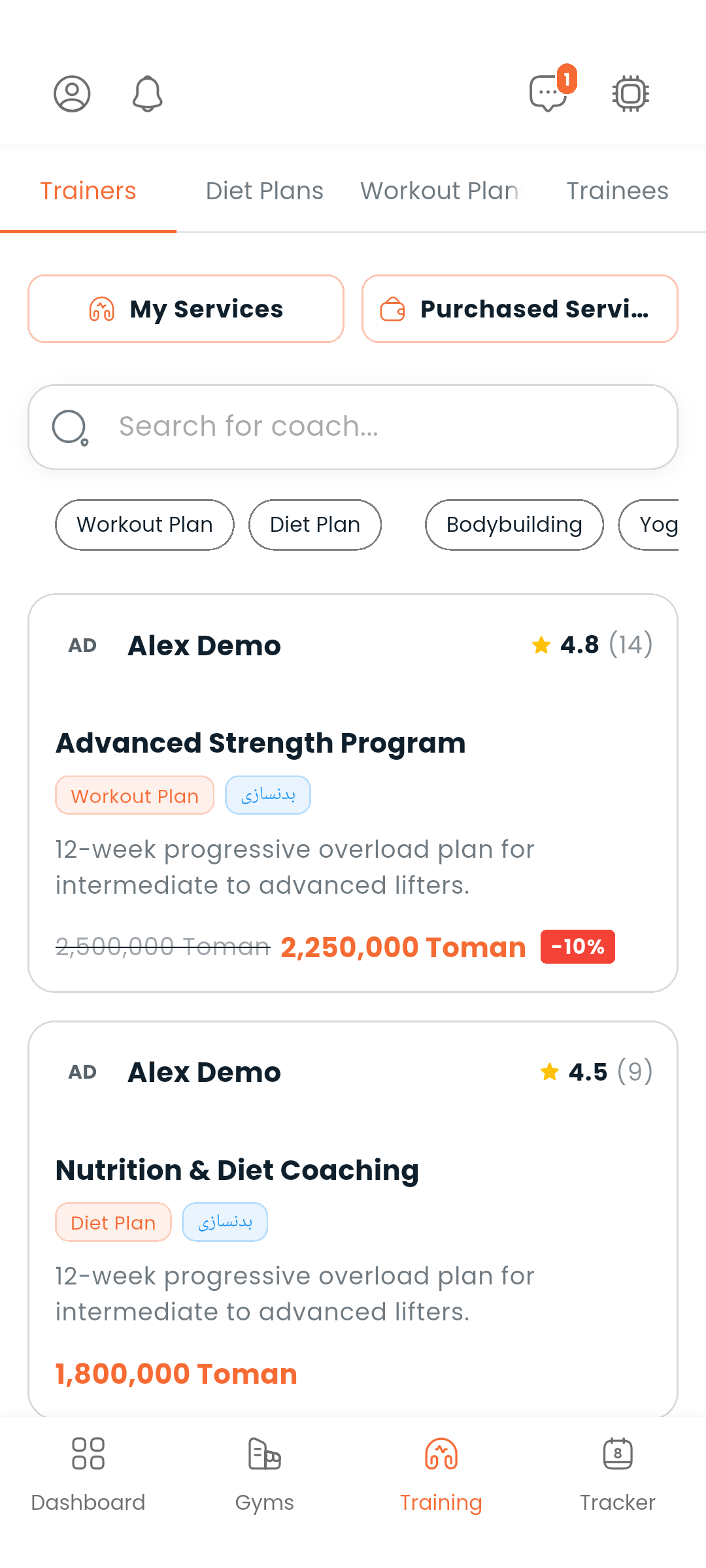
Go to Training → Trainers. It is the first tab of the Training area; which other tabs you see — Diet plans, Workout plans, Trainees — depends on what your account is for.
You can:
Trainers with boosted listings appear at the top of the list. Tap any trainer card to open their profile.
A trainer's profile shows:
From there you can message the trainer, or open their full account profile.
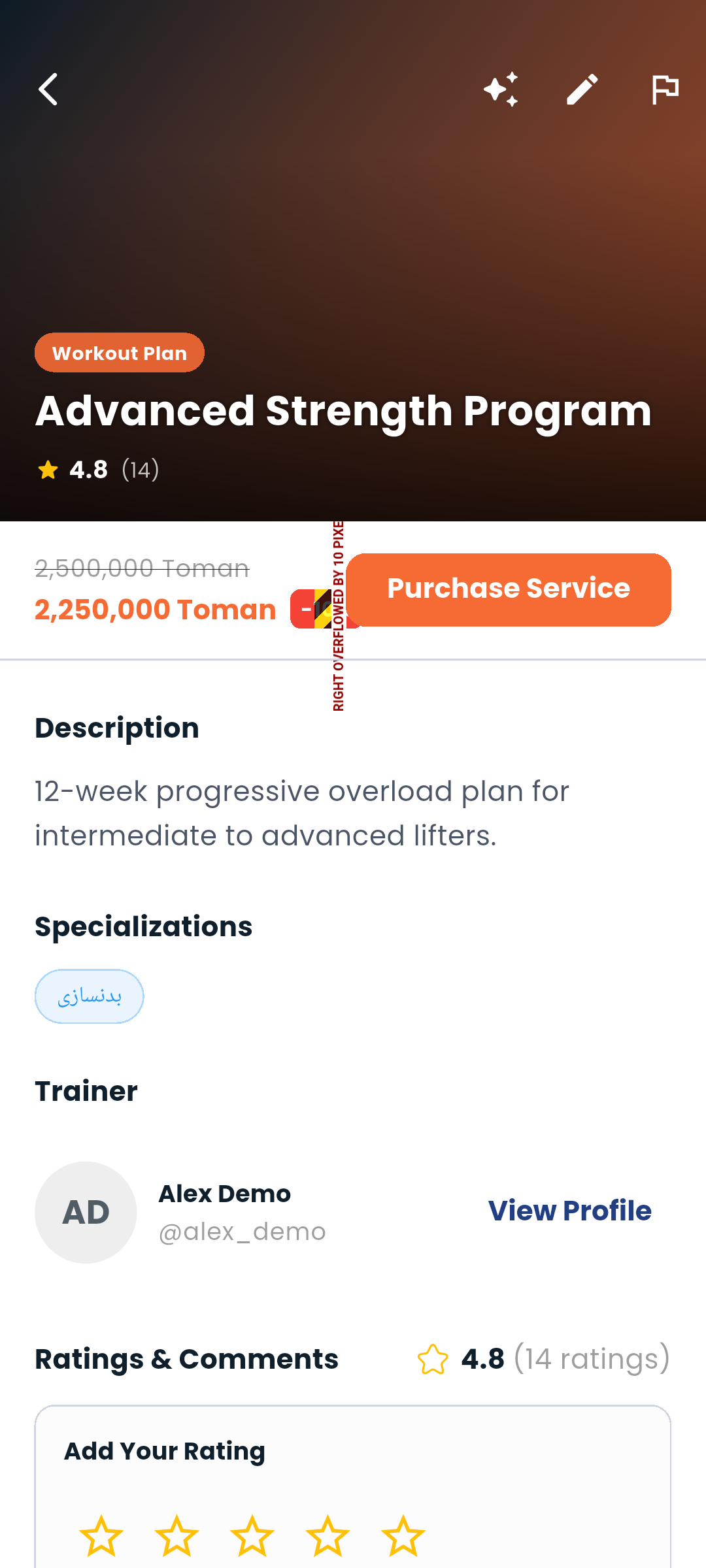
On a trainer's profile, tap a service to see its full details. When you're ready:
Once it's yours, the button is replaced by Purchased and a link to the record it created, so you can't buy the same service twice. A trainer looking at their own service sees Edit service instead.
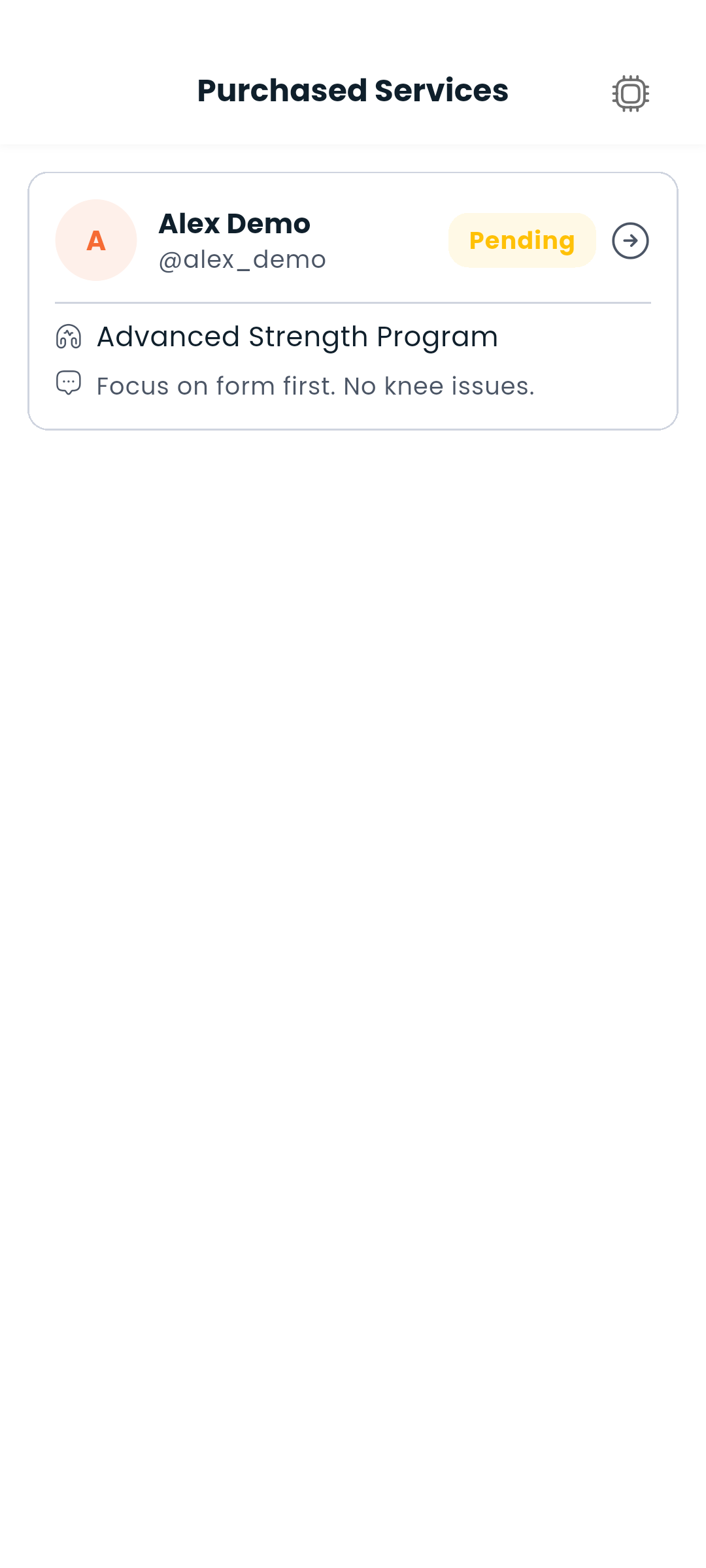
Purchased services, at the top of the Trainers tab, lists everything you've bought — it is not a tab of its own. Tap a row to open its record, or Message the trainer to start a conversation without leaving the list.
Rating a service is for the people who bought it: the form appears once the purchase is yours, and says whether you're adding a rating or changing the one you already left.
If you're a trainer, you can create and manage the services you offer.
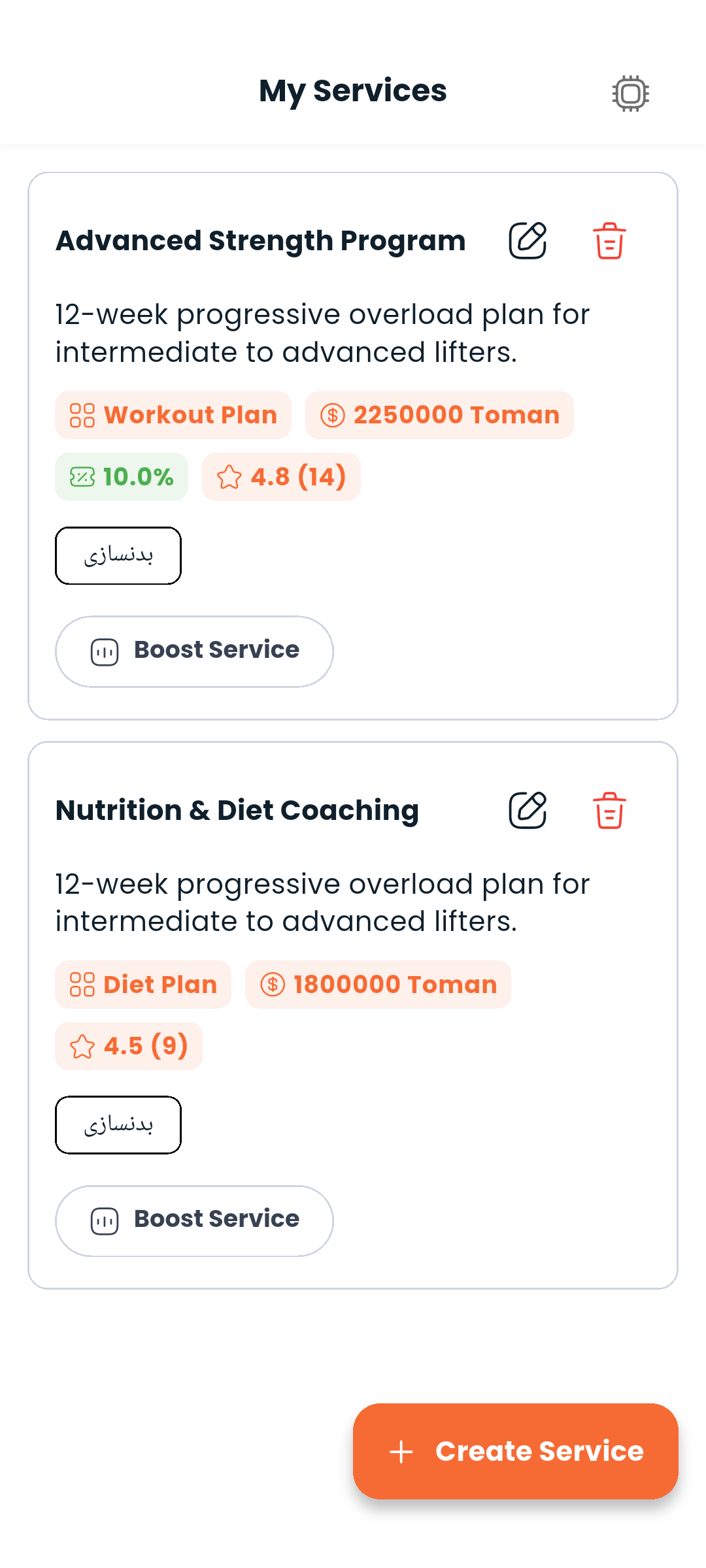
My services, at the top of the Trainers tab, lists everything you've published.
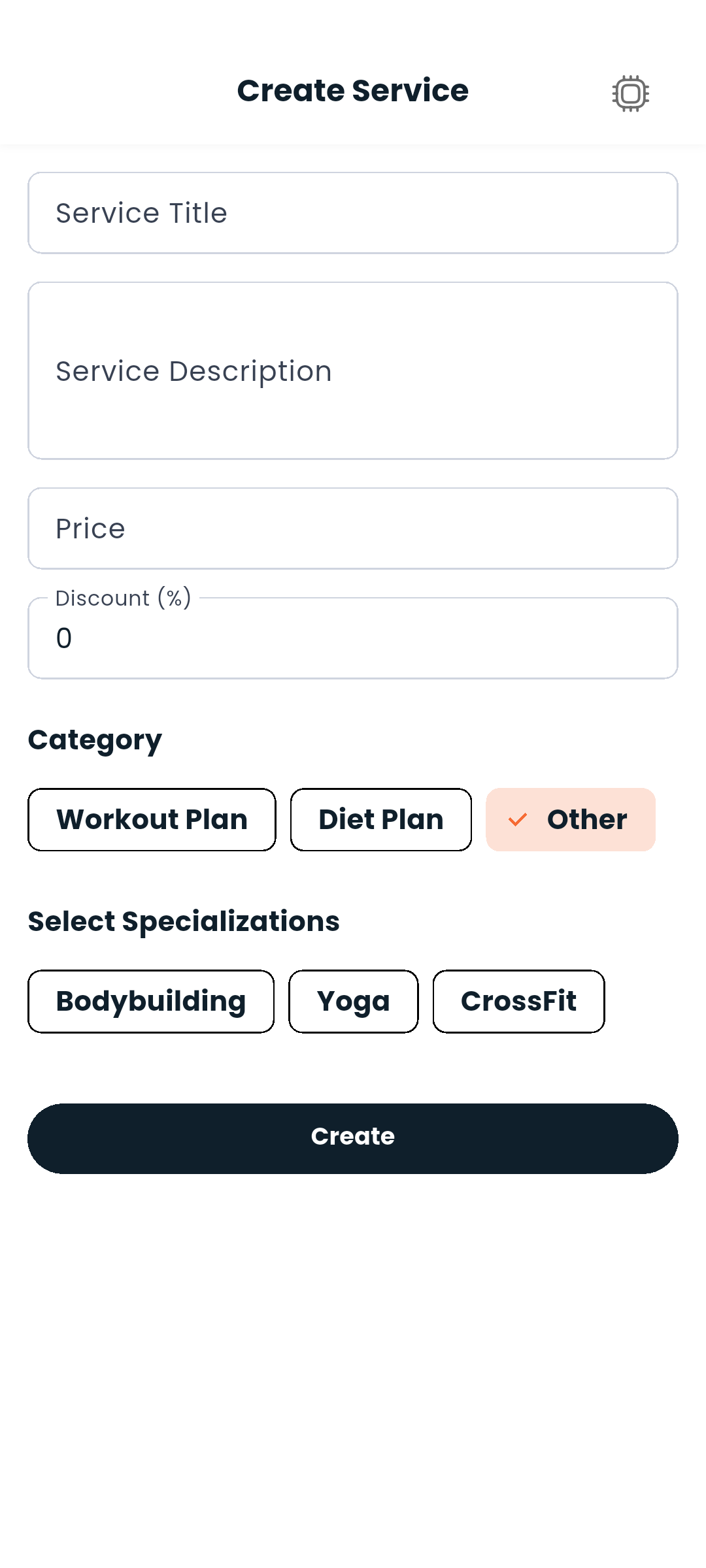
Tap + and fill in:
There is no duration to set: a service is a piece of work, not a subscription with an end date.
Your licence has to be approved first. A service published while your trainer licence is missing, pending or rejected is shown to nobody, and the form says so at the top with a link to your profile rather than letting you find out from the silence.
An existing service's form carries two more sections: Boost, which puts it at the top of the results for a set number of days and is paid from your wallet (Premium, Boost and money), and Data reports — how often it turned up in search, how often people opened it, and when (Analytics).
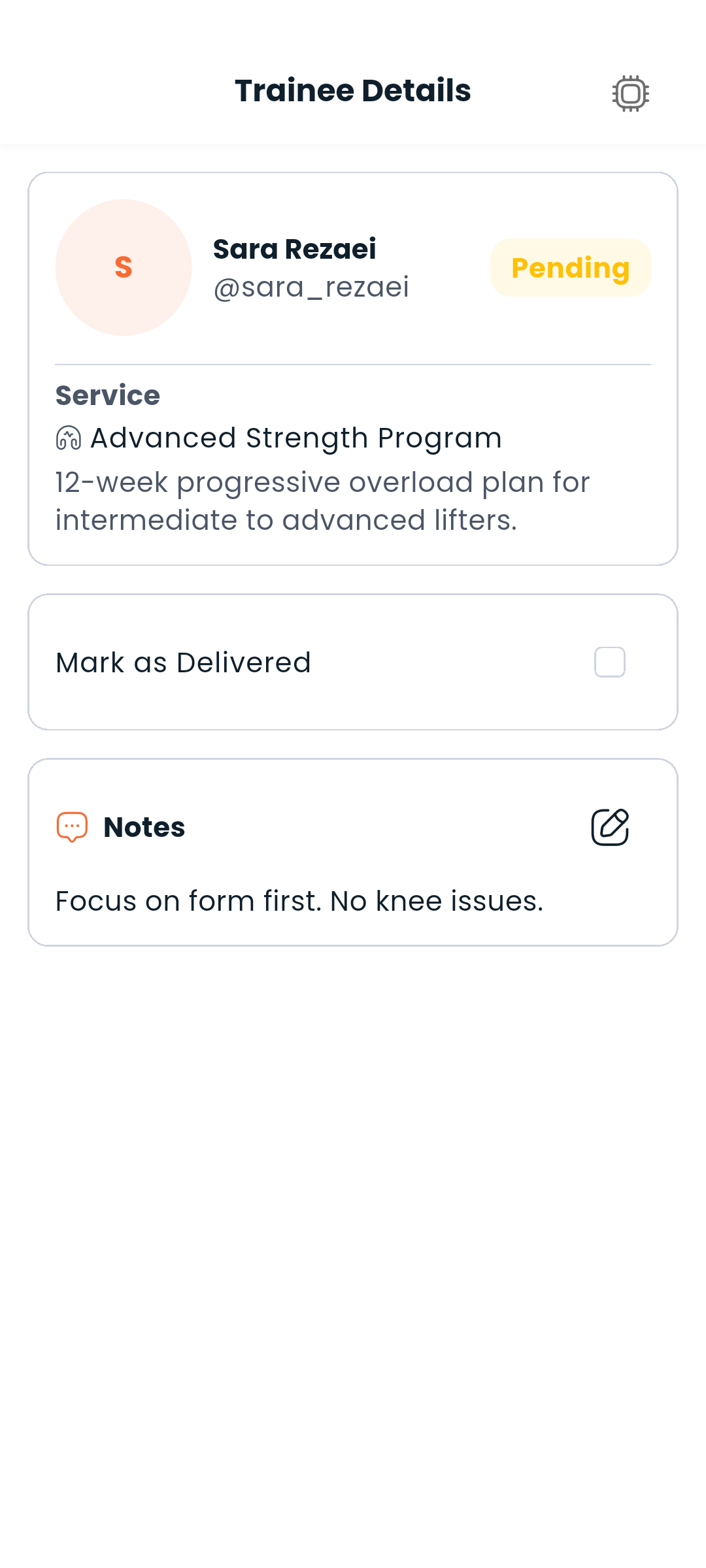
Go to Training → Trainees to see all your current clients. Tap any trainee to:
Delivering needs a plan to deliver: if you have not written one for this trainee yet, the app says so instead of marking anything.
To enrol somebody who paid you outside the app, tap Add trainee, search for the athlete, pick one of your services, and add a note if you want to. Dambel's commission for that service is charged to your wallet, because the athlete pays nothing in the app — you are told before you confirm.
Report on a service's page sends it to us with a short description of the problem. See Reporting.
Next: Chat with your trainer or view your wallet